IPTV Help
Frequently Asked Questions
Quick answers about IPTV South Africa setup, devices, payments, delivery, streaming quality, and
support.
Is IPTV Smart compatible with my device?
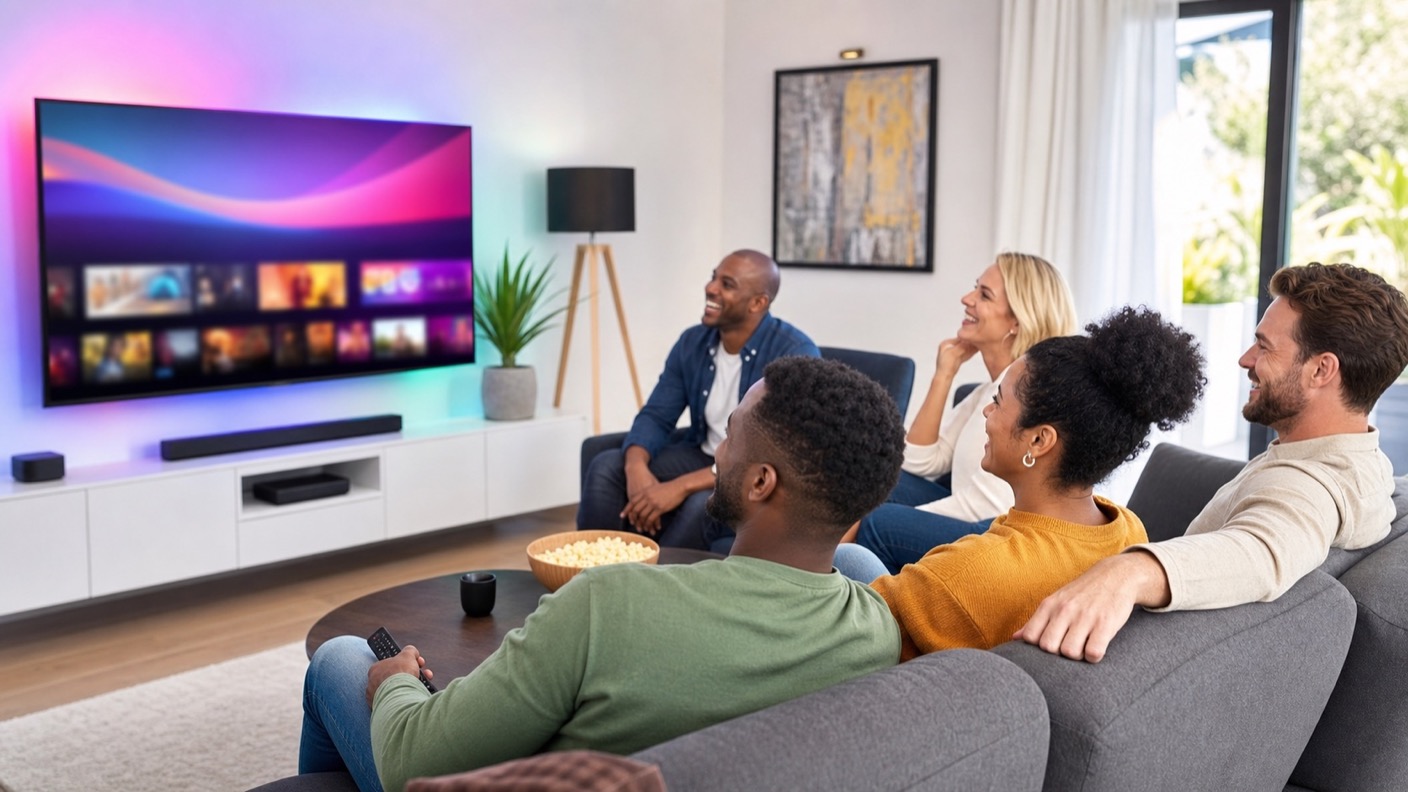
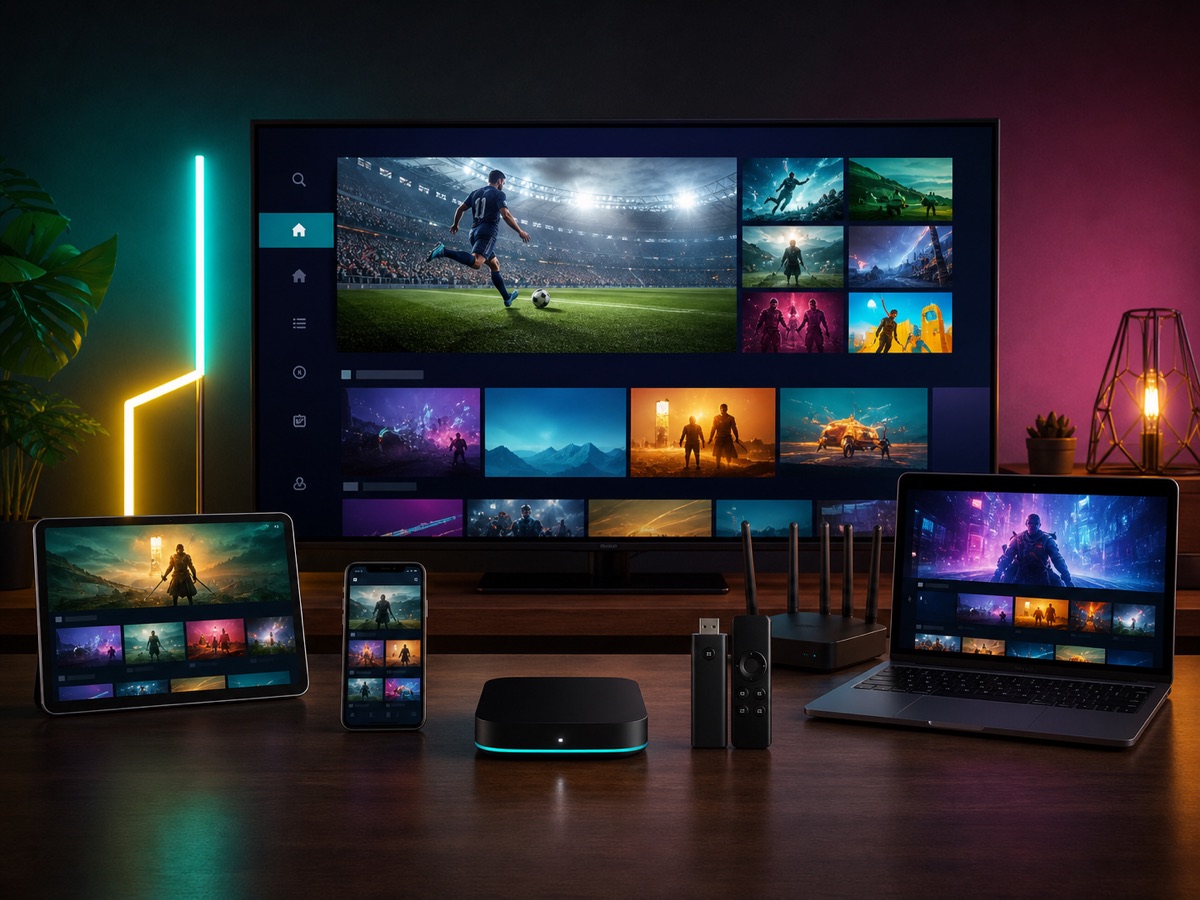
Yes. IPTV Smart works on most Smart TVs, Android TV boxes, Fire Stick, Android phones,
iPhone, iPad, Apple TV, Windows, Mac, MAG boxes, and many IPTV player apps.
How do I set up my IPTV subscription after payment?
After payment, you receive your IPTV account details and setup instructions by email or
WhatsApp. Install a compatible IPTV app, enter the supplied login details, and start
watching.
How fast will I receive my IPTV account details?
Most IPTV account details are delivered within 5 to 10 minutes after successful payment. If
extra verification is needed, support will contact you and help complete the activation.
Does IPTV Smart work in South Africa?
Yes. IPTV Smart is built for South African viewers and also works while travelling, as long
as your device has a stable internet connection.
What internet speed do I need for IPTV in South Africa?
For smooth HD streaming, a stable connection of at least 15 Mbps is recommended. For Full HD
and 4K channels, faster fibre or LTE connections usually give the best experience.
Can I watch sport, movies, series, and live TV?
Yes. The IPTV subscription includes live TV channels, premium sport, movies, series,
entertainment networks, and VOD content in HD, FHD, and selected 4K quality.
Can I use one IPTV subscription on multiple devices?
You can install the IPTV app on different devices, but most plans are intended for one active
stream at a time unless support confirms an extra connection option for your account.
Which IPTV apps can I use?
Popular options include IPTV Smarters Pro, TiviMate, Smart IPTV, IBO Player, XCIPTV, and
compatible Smart TV or Android TV apps. Support can recommend the easiest app for your
device.
What should I do if IPTV buffers or freezes?
Restart your router and device, test your internet speed, use a wired connection where
possible, close unused apps, and contact support if the issue continues after checking your
connection.
Is payment secure and what payment methods are available?
Payments are handled through a secure checkout. Card payments are available on the pricing
buttons, and support can help with other available payment options when needed.
Do you offer a refund policy?
Yes. IPTV Smart includes a satisfaction or refund policy based on the selected plan and the
refund policy page. Contact support quickly if the service does not work on your device.
Can support help me install IPTV on my TV?
Yes. Support can guide you through setup on Smart TV, Android TV, Fire Stick, phone, tablet,
computer, or IPTV box after you choose a plan.
Do I need a VPN to watch IPTV Smart?
No VPN is required for normal use. A stable internet connection is usually enough. If your
internet provider causes routing issues, support can advise the best setup.
Can I watch IPTV while travelling?
Yes. You can use your IPTV account while travelling if your device, IPTV app, and internet
connection are working correctly.
Does the playlist include South African and international channels?
Yes. IPTV Smart includes South African live TV categories plus international packages for
sports, movies, series, news, kids, documentaries, music, and VOD.
How often are channels and VOD updated?
Channel categories and VOD libraries are updated regularly. Some channels may move or change
during maintenance, and support can help if you cannot find a specific category.
What happens after I click Order in 1-Click?
The button opens the secure checkout for the selected plan. After payment, you receive IPTV
account details and setup instructions for your device.

 -65% OFF
 Smart TV
 Android
 Fire Stick
 iPhone / iPad
 MAG Box
 Windows / Mac